
Easy Online Enrollment Instructions
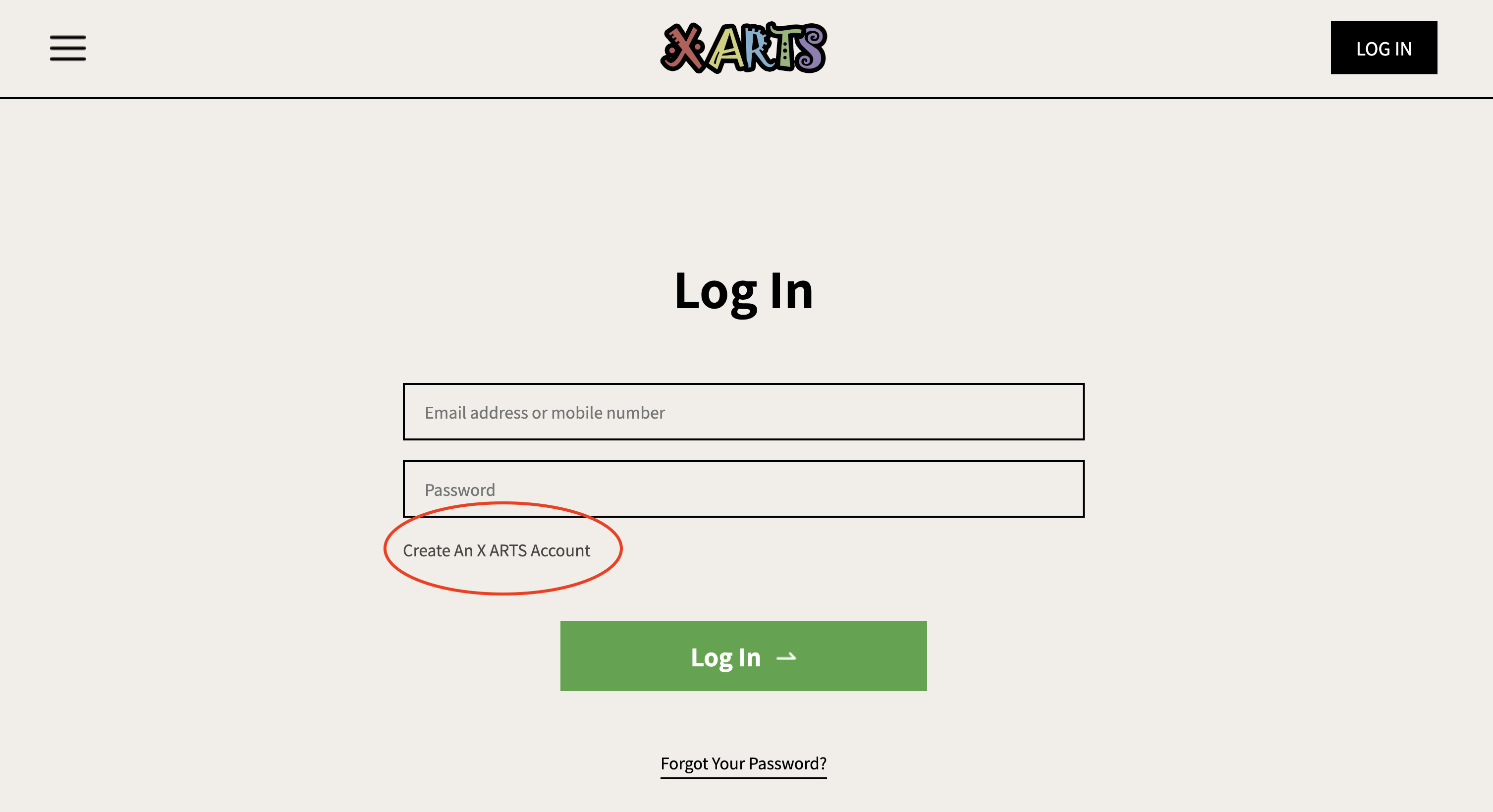
Step 1. Open our official website https://ca-xarts.com and complete the registration form.
Step 2. After completing your account registration, you will be directed to your personal Dashboard.
Here you can:
● View your wallet balance
● Check your enrolled courses
● Track your class schedule and status
From the Dashboard, click “Enroll a Class” to select your preferred course
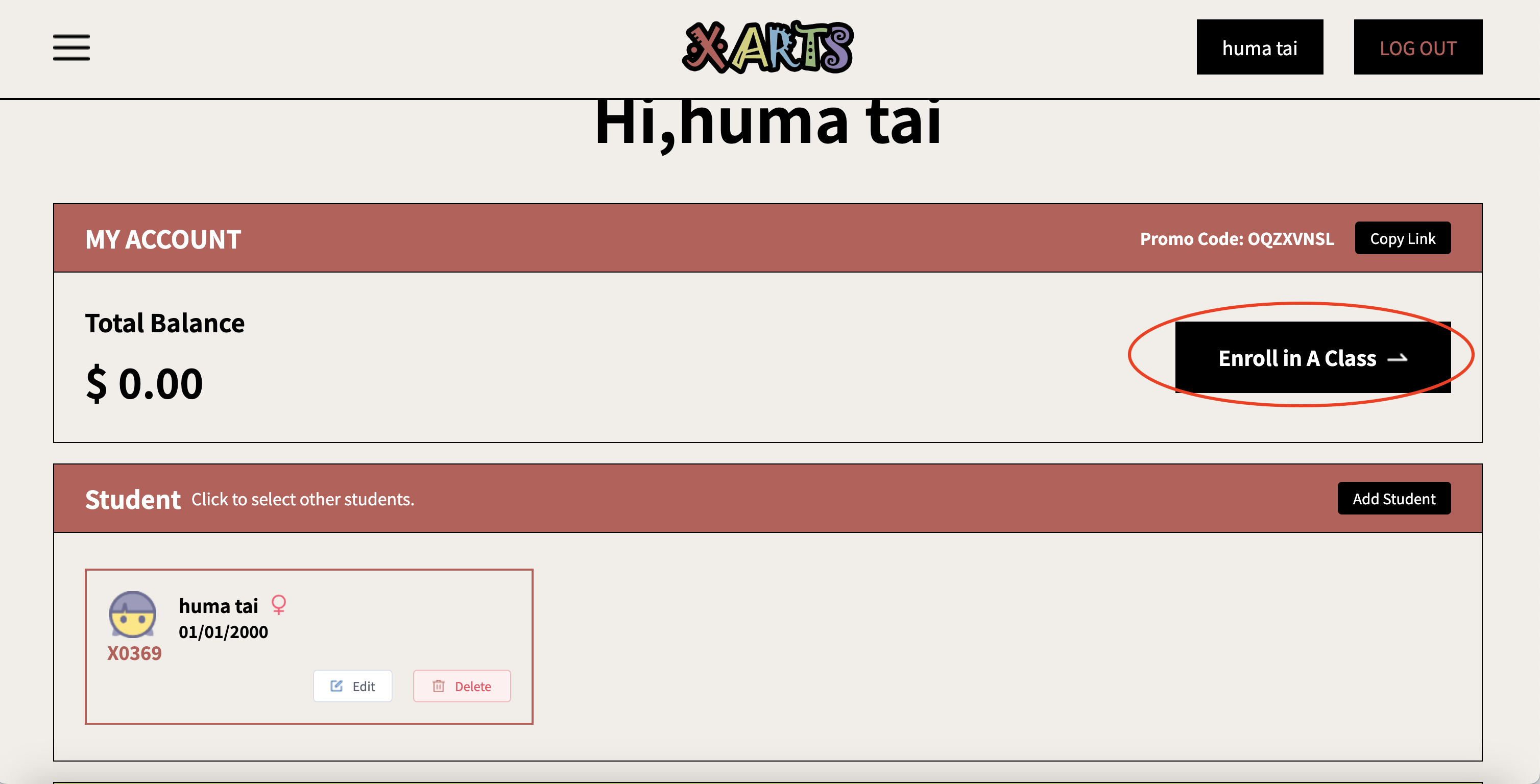
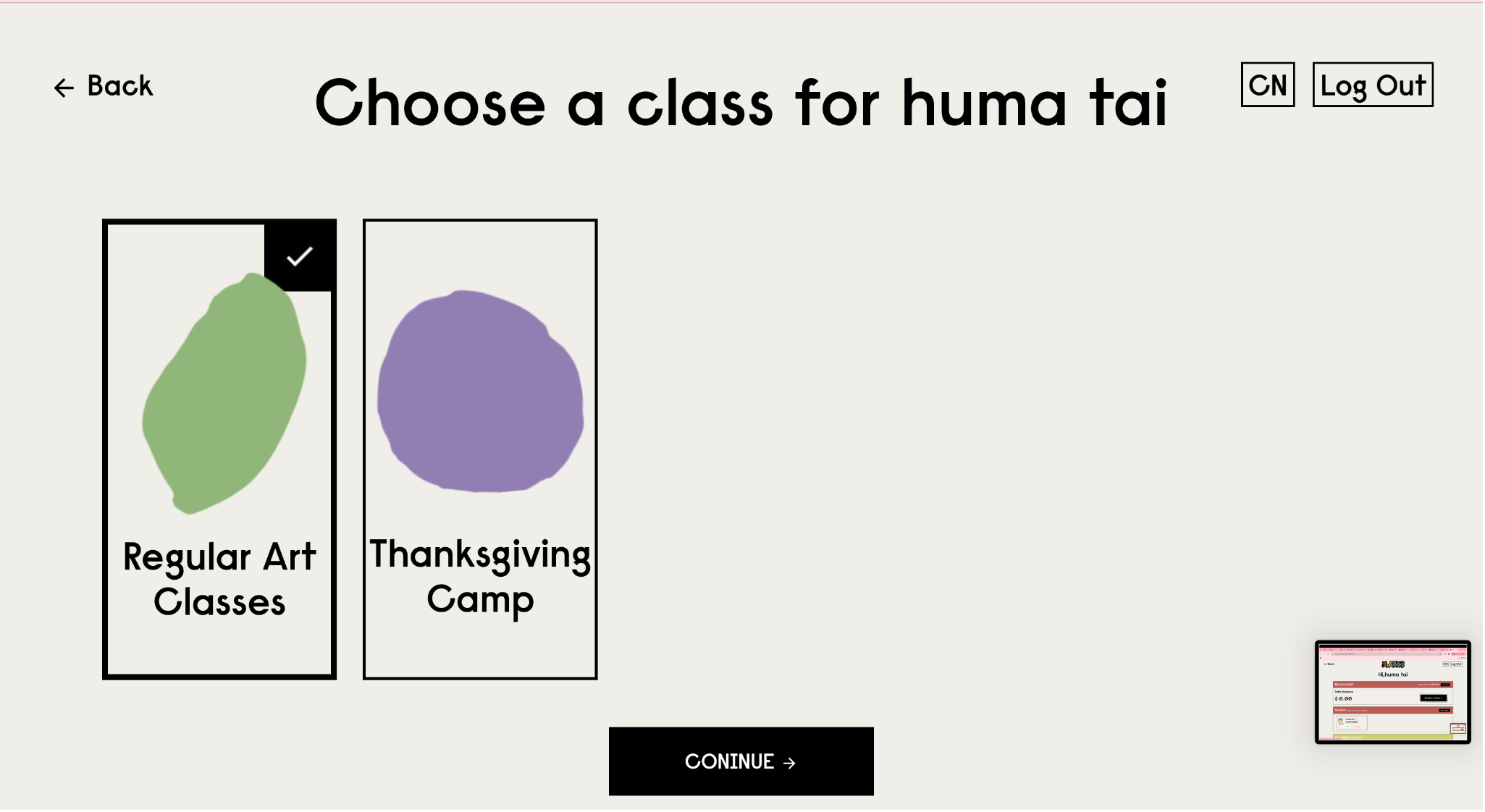
Step 3. From the Dashboard, click “Enroll a Class” to enter the course selection page.
For weekly 90-minute sessions, please select Regular Art Class.
Step 4. Choose the Campus (San Jose / Cupertino) and your child’s Class Level (P1 / P2 / P3 / P4).
The system will then display the available class calendar for you to review and select your preferred schedule.
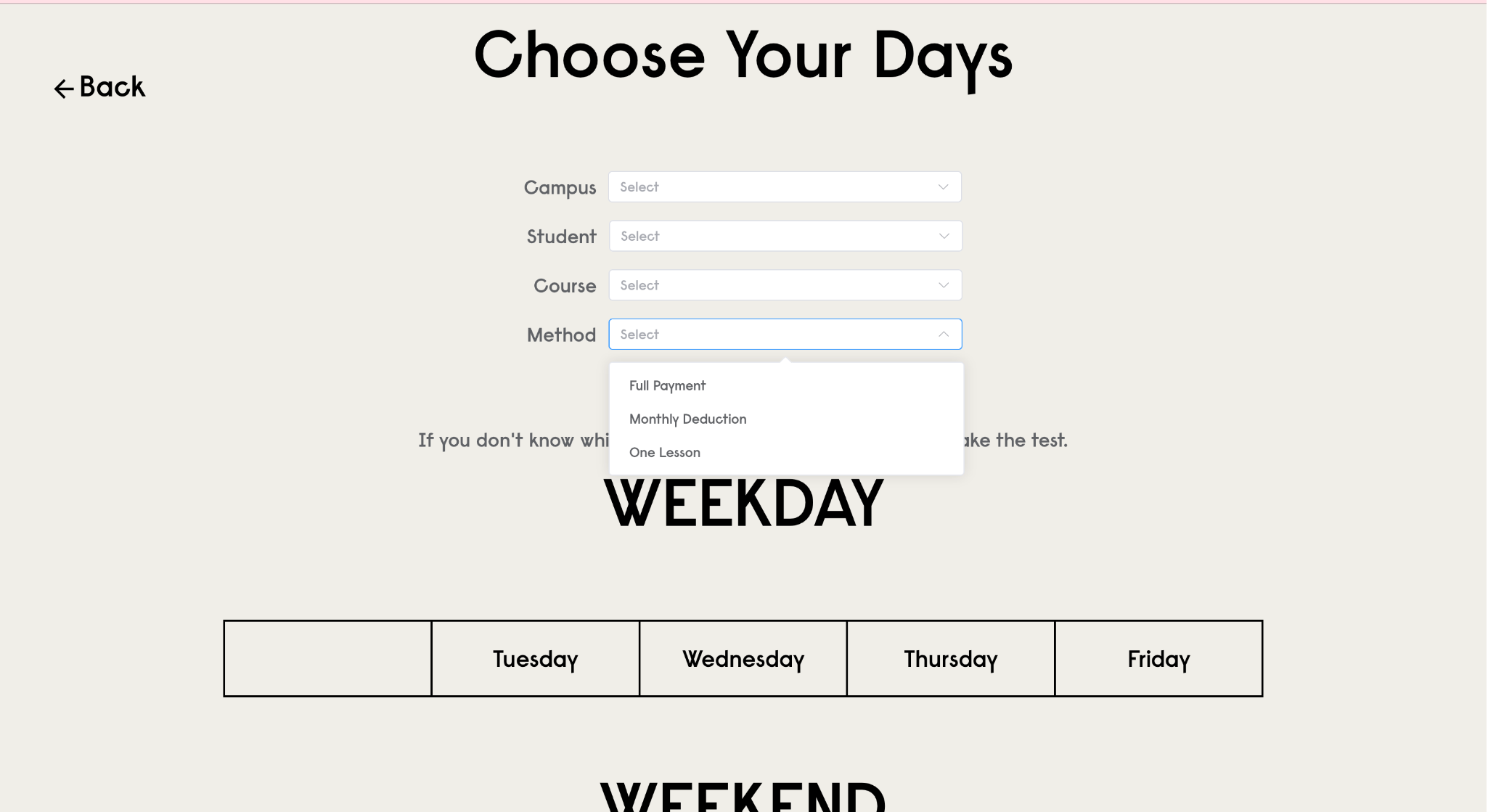
Important: Select your Payment Option:
● Yearly Plan → choose Full Payment (covers all classes for the full academic year).
● Monthly Plan → choose Monthly Deduction.
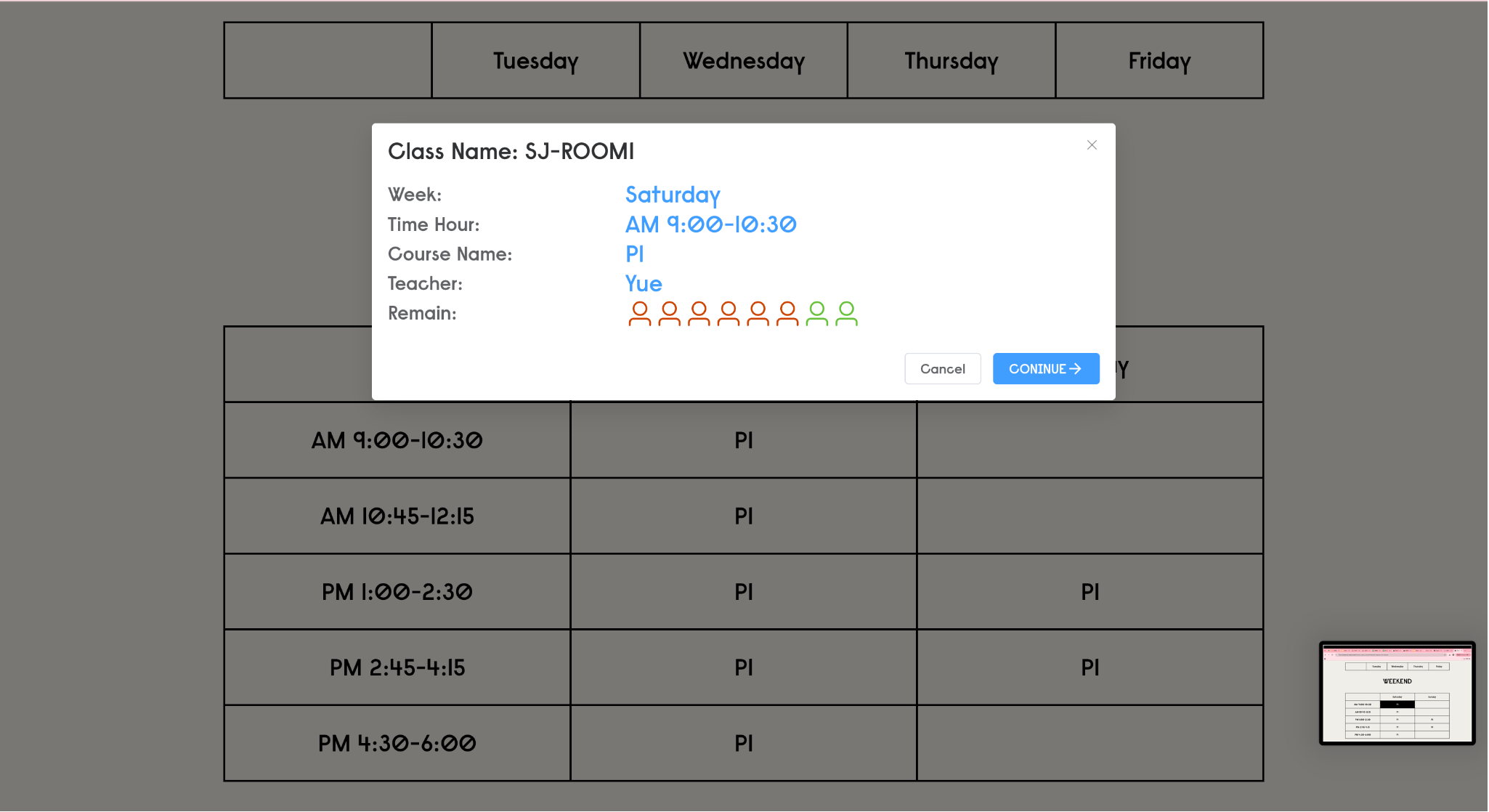
Step 5. Review the class calendar to see available sessions.
● Red = number of registered students
● Green = number of seats still open
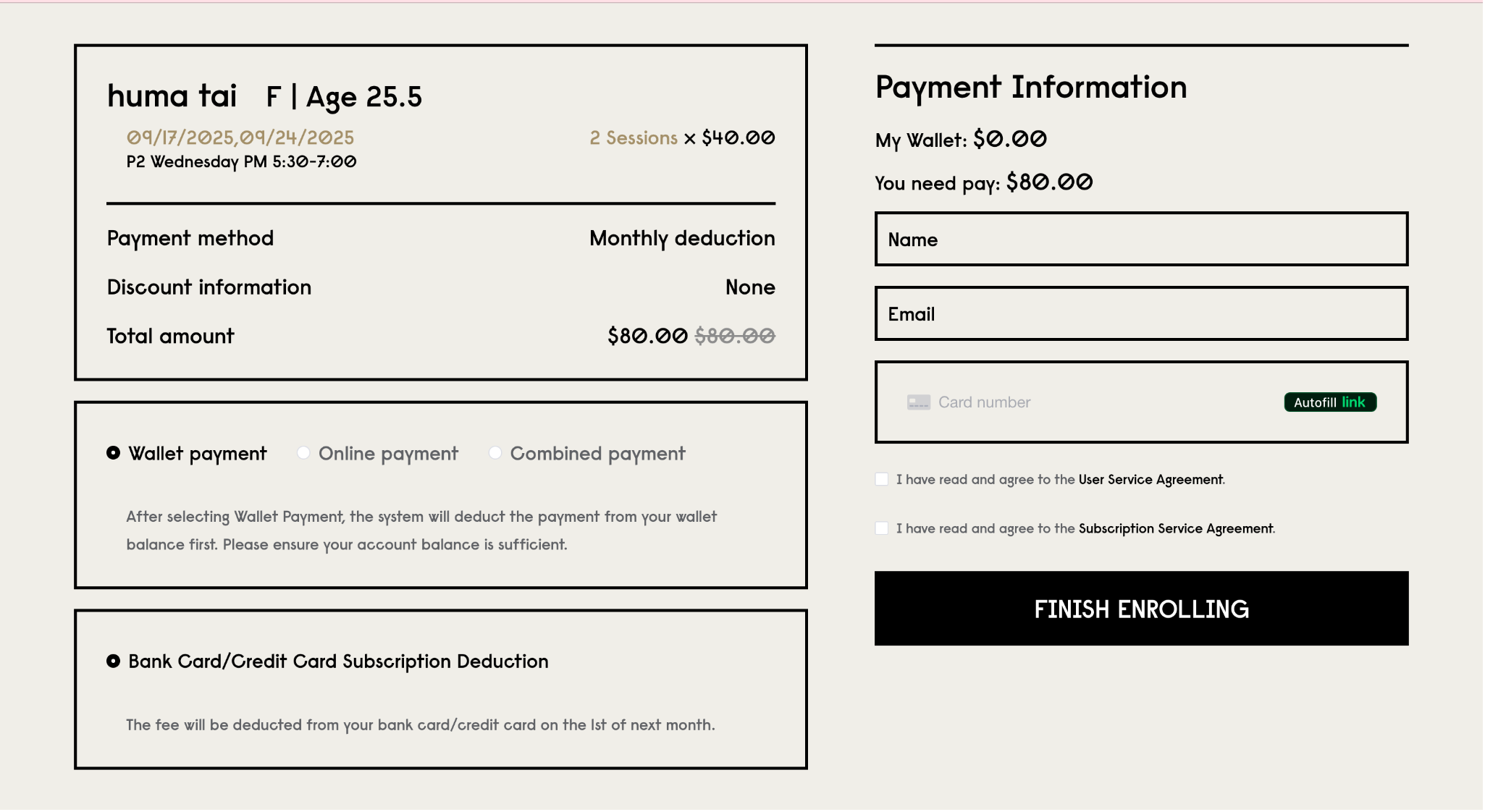
Step 6. Complete payment by binding your card.
Important:Monthly Plan: tuition will be auto-charged on the 1st of each month. If you wish to pause or cancel your subscription, you must notify us 30 days in advance. Once tuition is charged, no refunds will be issued.